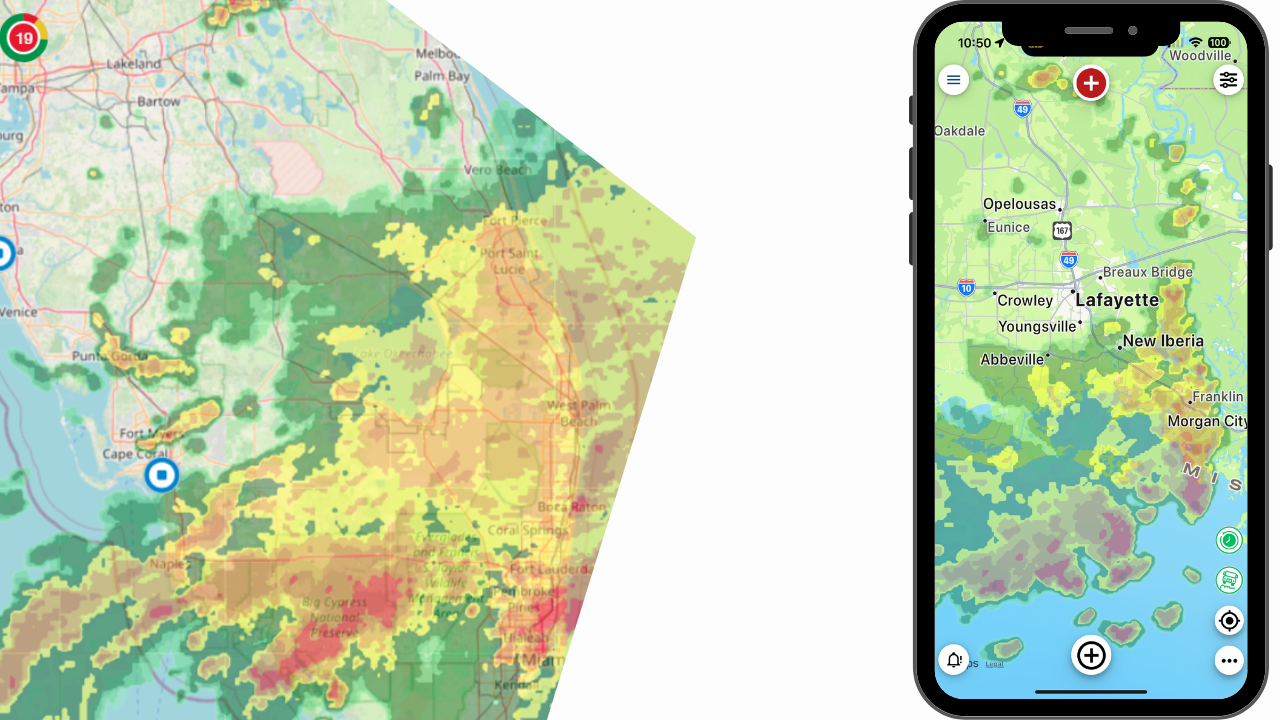
Critical Weather Service Extended Trial
Larger Fleet? Special Needs?
Contact us to request for an extended trial JSON file add-in.
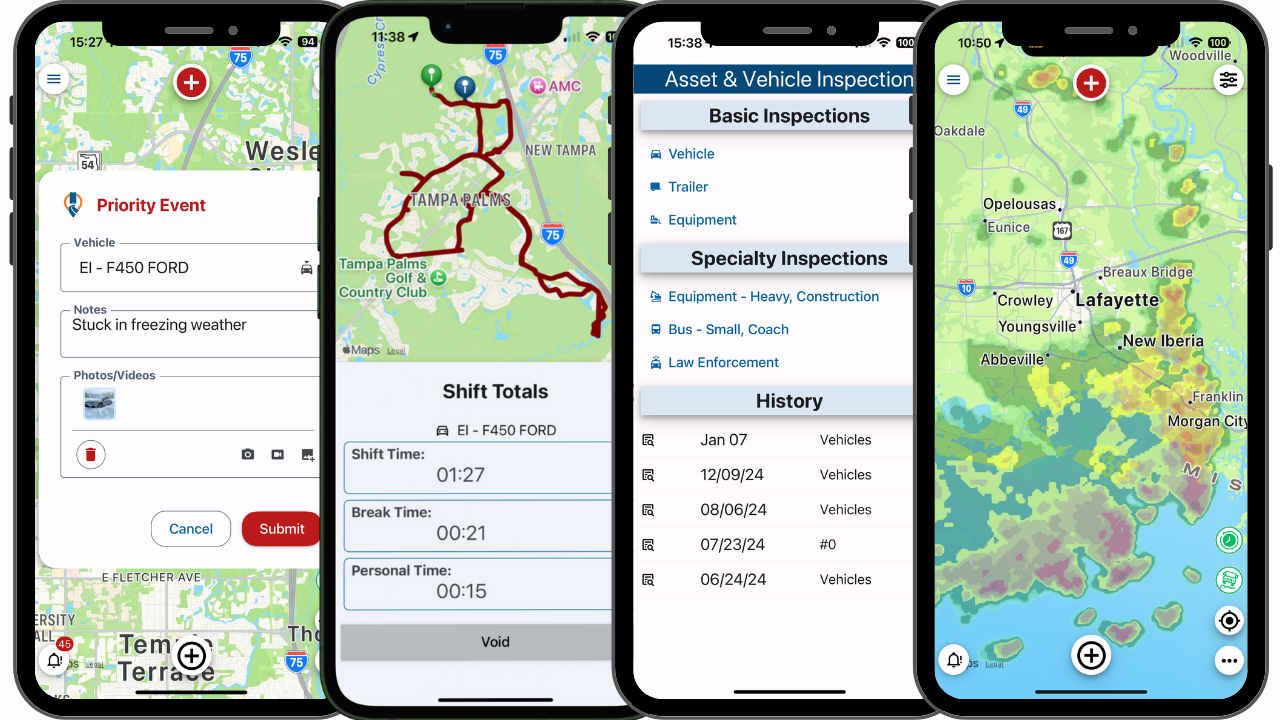
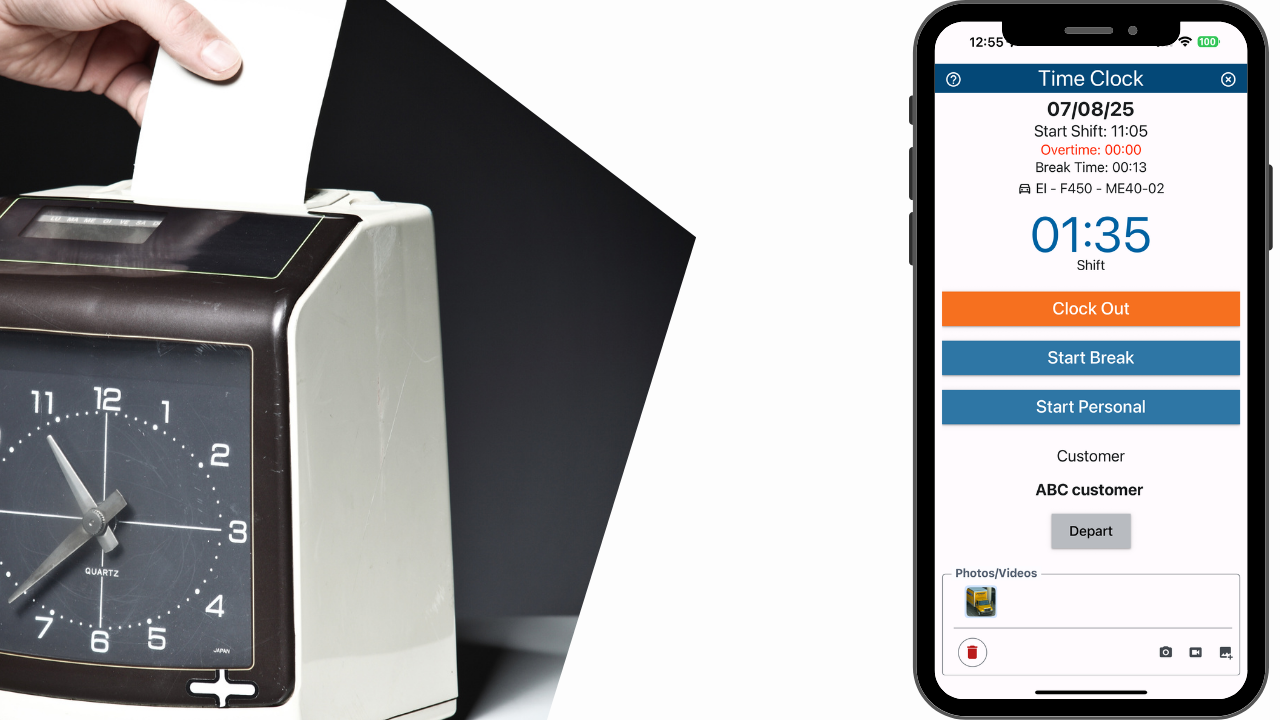
We understand that larger fleets and fleets with special needs may need more time to evaluate the benefits of the Critical Weather Service. If you need more time, contact your reseller or complete the form below. Coupled with the CrewChief mobile app, fleets can access many commonly needed functions in a single platform.
I need a 30-day Free Trial
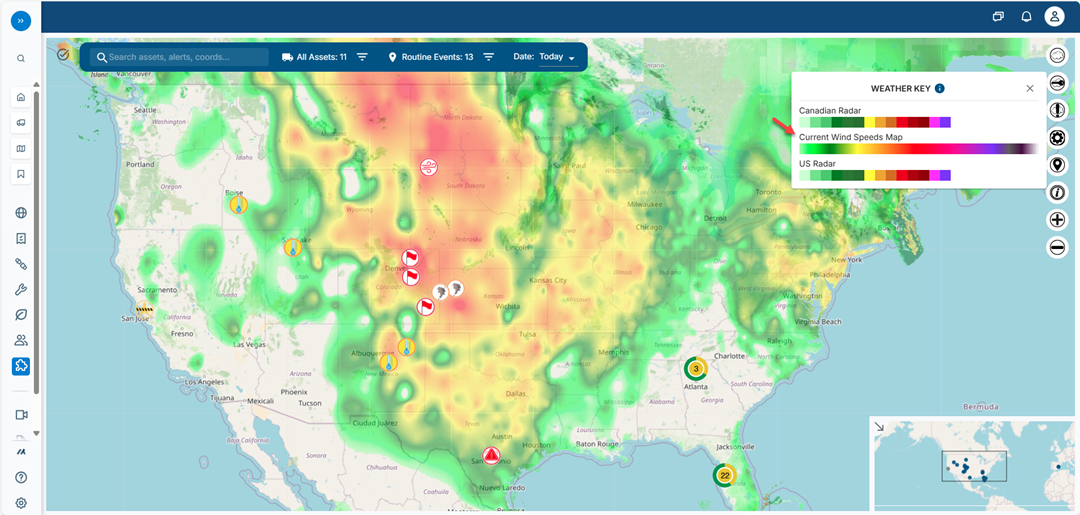
How to Install Your Extended Free Trial for Geotab Customers
How to Install Your Extended Free Trial for Geotab Customers
Step 1
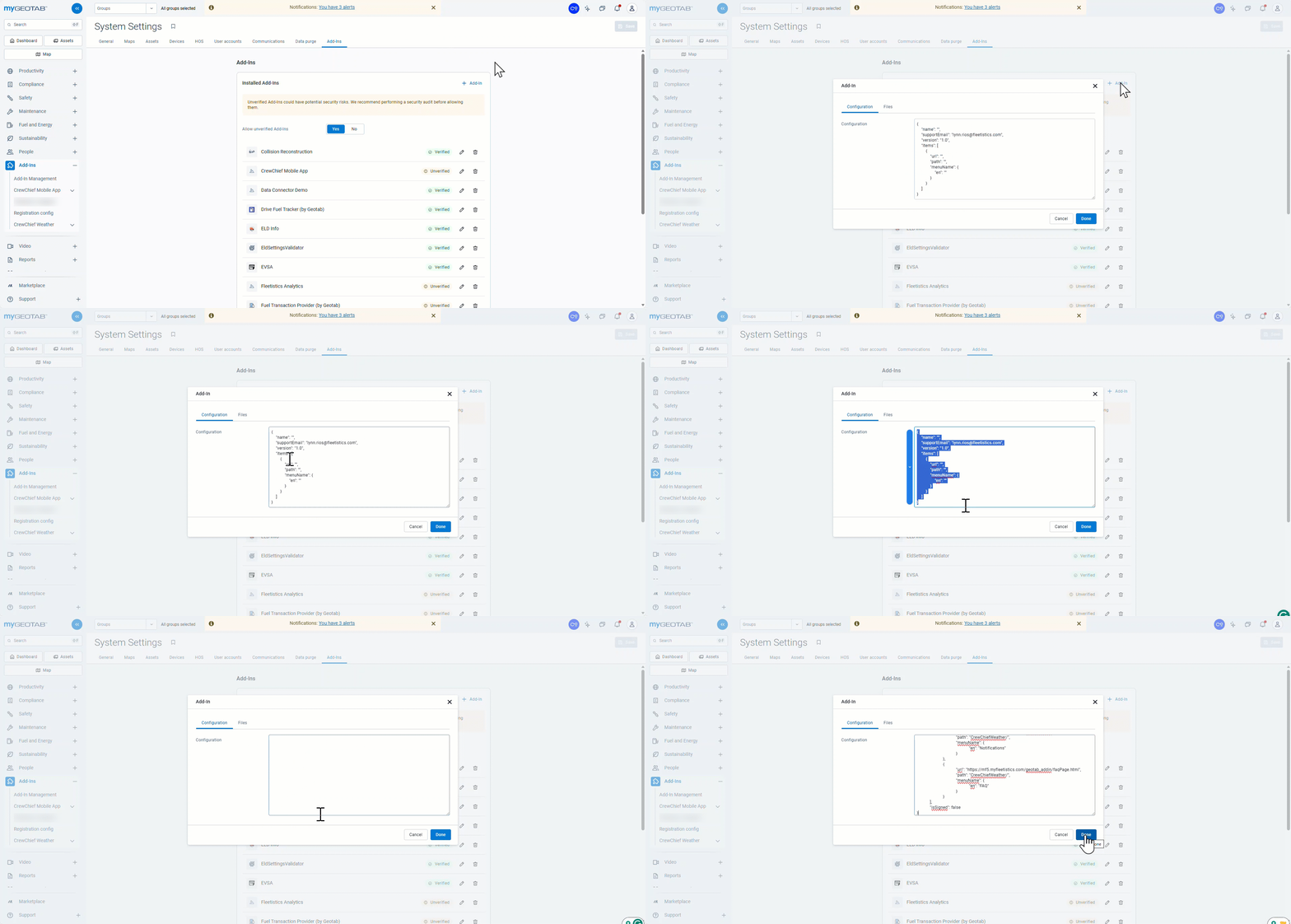
If the weather add-in was previously installed, remove it and click save. (Order Now or custom JSON). Navigate to Geotab>Profile>System Settings>Add-In to remove and add the JSON file.
If it is not present, go to step 3.

Step 2
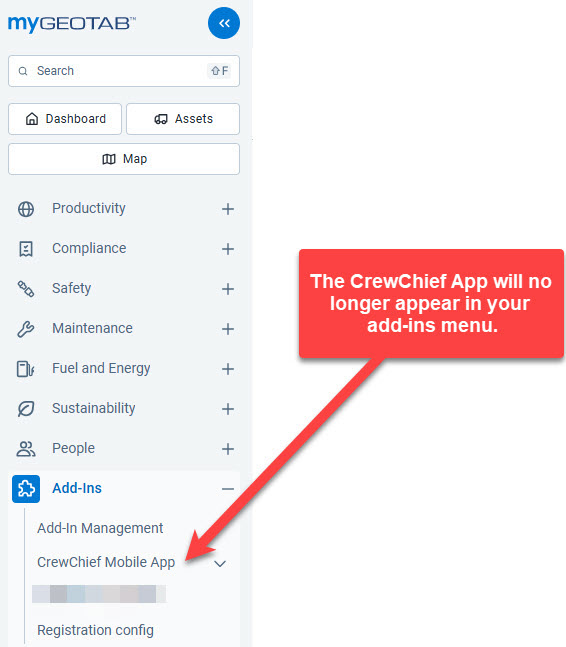
Confirm the add-in does NOT appear in the left-hand menu.
Step 3
On the Add-Ins tab, select the Configuration tab of the add-in window. Remove the existing text and copy and paste the text from the provided JSON file. Click “Done” to save.
Allow unverified add-ins.
Add the custom JSON provided by your reseller. To access the contents of the JSON file, open the file with a program like NotePad. Ctrl + A to select all text. Ctrl + C to copy all text. Ctrl + V to paste the text.
A user will be added to the Geotab account in this format: crewchief_sync_ro_[user email]@[domain].extention
Example: crewchief_sync_ro_johndoe@abcindustries.com Do not remove this user while using the Critical Weather or CrewChief mobile app service or the service will no longer work correctly.
If the Critical Weather service does not appear in the Geotab left Add-in menu:
1. Refresh the browser (Ctrl + F5)
2. If it still did not appear, clear the browser cache and restart the browser.
Notes:
- The JSON file will stop working after 30-days from first use.
- Remove the extended trial version before installing the Service from Order Now.
- The JSON file cannot be reused by uninstalling and reinstalling into the same account / database.
- Email is used as the unique identifier in Geotab. Using the same email in multiple databases causes issues.
- During the free trial, the service applies to all active vehicles or assets in the account. When installing from the Marketplace using Order Now, you have the option to select a group of assets to connect to the service. We recommend creating a group called “weather” before installing from Order Now, to make asset selection process easier.
- Order Now includes a 2-week free trial. This provides up to 6 weeks of total free trial time! However, free trials do not generate income for your business and should be used wisely.
CrewChief Mobile App Features
Real-Time Location
Time Clock
Lone Worker